How can we help?
Short guides for everything in PixelStory, from your first scene to a cutscene in your game.
Watch how it works
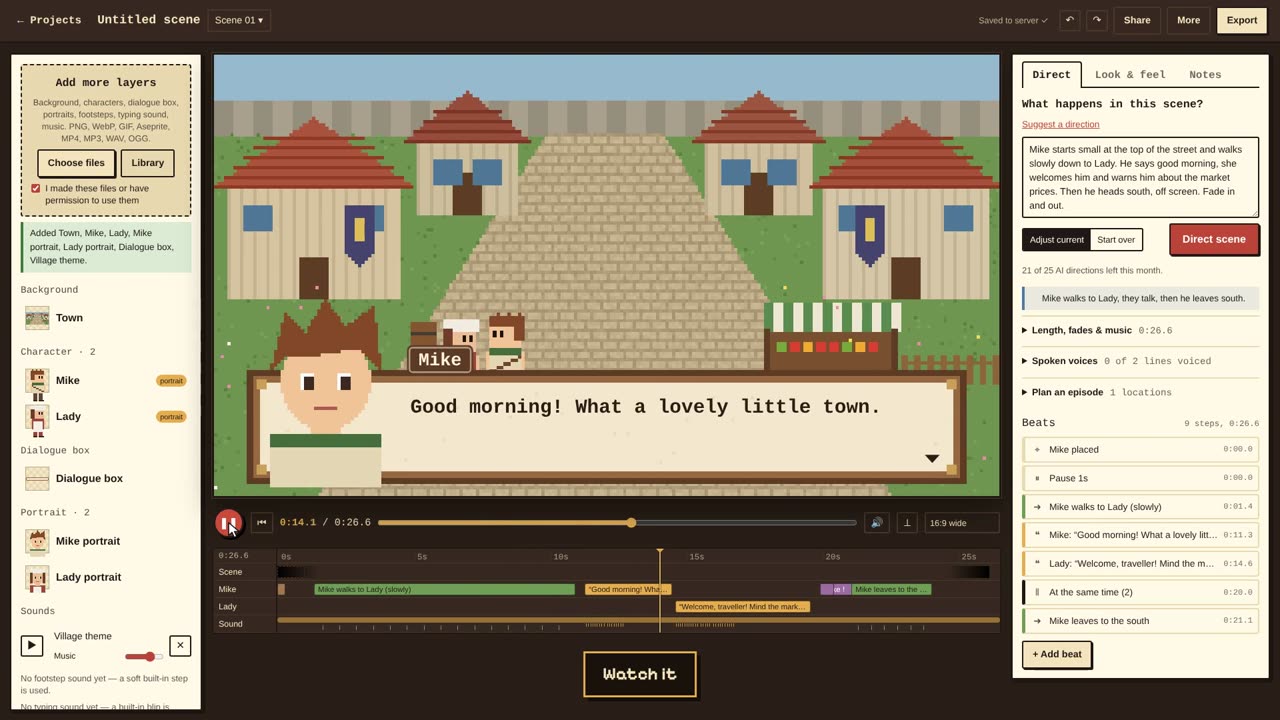
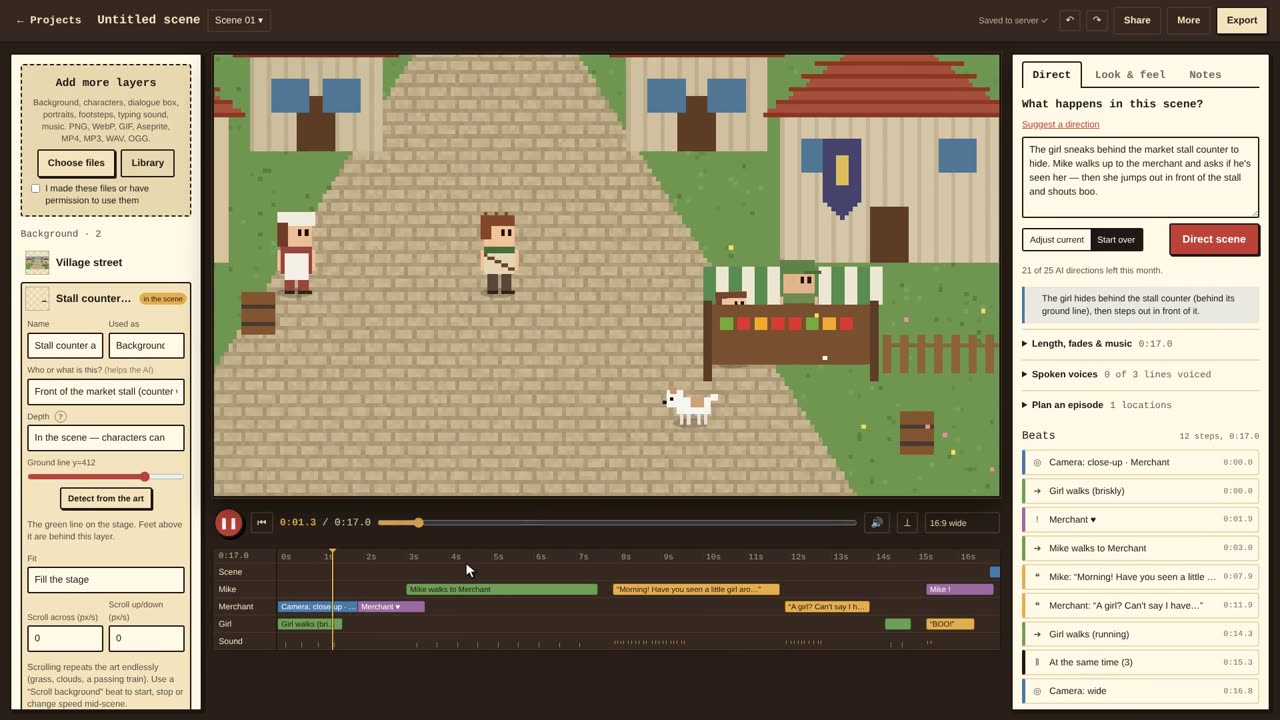
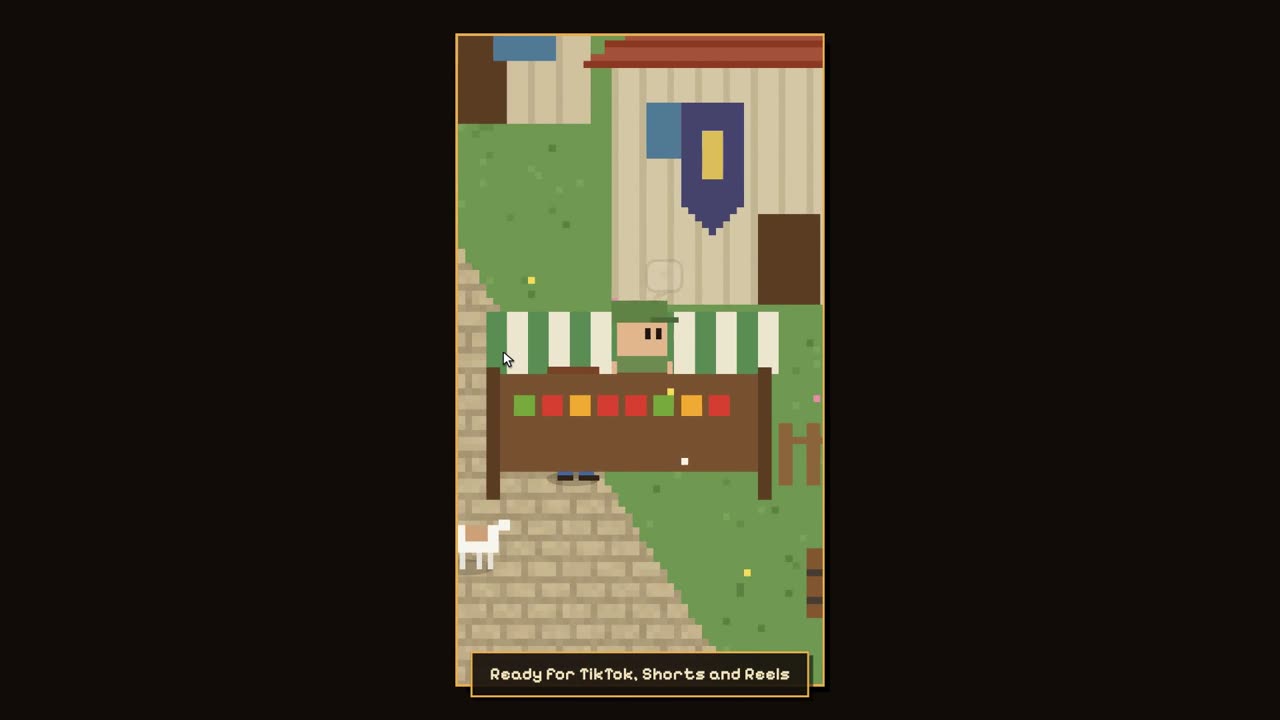
Getting started
Your first scene, your art and your sounds.
Directing in the Studio
The AI Director, beats, characters, dialogue, camera and depth.
- Directing with AIHow to describe a scene so the AI Director gets it right, and what to do when it doesn't.
- Edit beats by handEvery beat type, how timing works, and the keyboard shortcuts.
- Characters, animations and expressionsWalk cycles, extra animations, portraits that blink and change expression, and keeping a character the same across scenes.
- Dialogue, text effects and voicesLines, thoughts, shouts and narration, effects like shaking words, the dialogue box and spoken voices.
- Camera and motionShots, following a character, scrolling backgrounds for travel scenes, and shakes.
- Depth: walking behind scenery, parallax and hazeMake scenes feel deep: characters shrink in the distance, walk behind counters and fences, and layers move at different speeds.
- Video backgroundsUse a short MP4 or WebM clip — rain on a window, a river, a city at night — as a moving background.
- Scenes and episodesSeveral scenes in one project, transitions between them, and playing the whole story.
Exporting and sharing
Videos, subtitles, game engines and working together.
Plans and troubleshooting
Plans, AI directions, billing and fixes for common problems.