Describe the scene. Watch it play.
Bring your own pixel art and sounds. Tell PixelStory what should happen, and it stages the walking, the conversations, the music and the fades. Then you adjust any beat by hand.
Works with PNG, WebP, GIF and Aseprite art, MP4 and WebM video, and MP3, WAV and OGG sound. Your files stay in your library. Watch the one-minute tour
How a scene comes together
Pick a starter or drop in your art
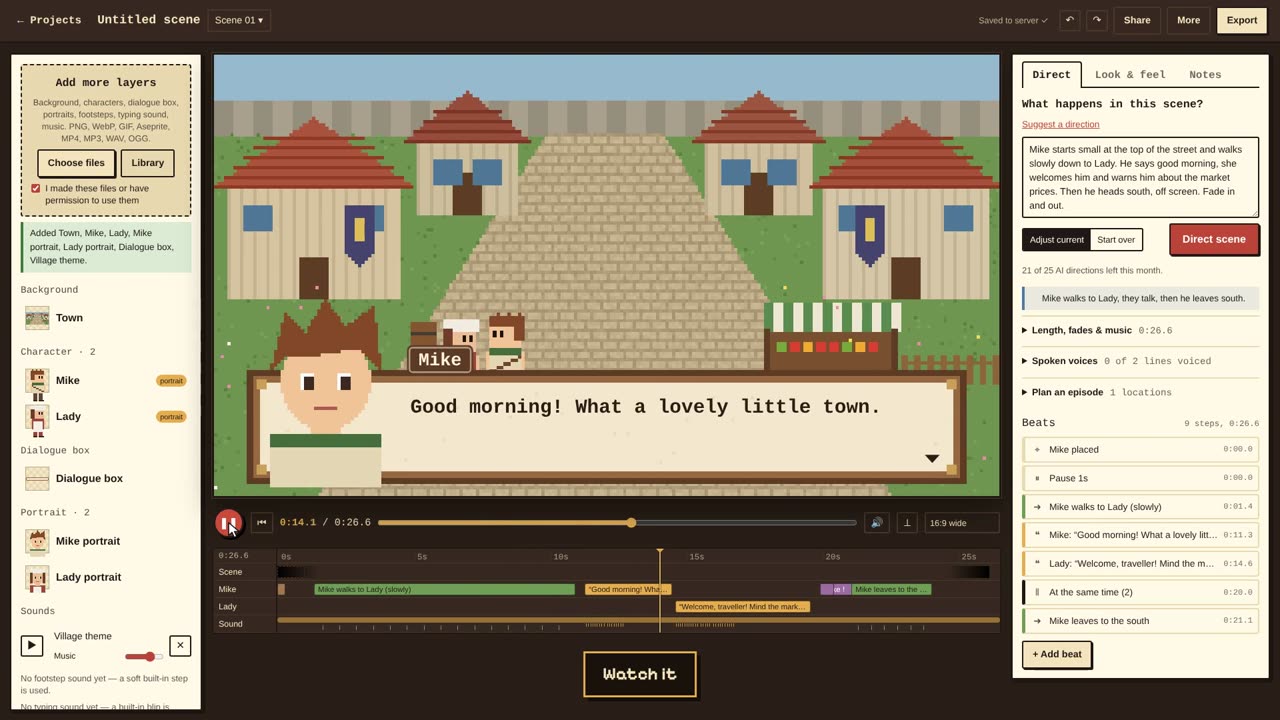
Start from a ready-made scene and art pack, or bring a background, characters (Aseprite and sprite sheets welcome), a dialogue box, portraits and sounds. PixelStory works out what each file is for.
Say what happens
Write it the way you’d explain it to a friend: who walks where, who talks to whom, how long the scene should run. The director turns it into a script of beats — or plans a whole episode across scenes.
Fine-tune, then export
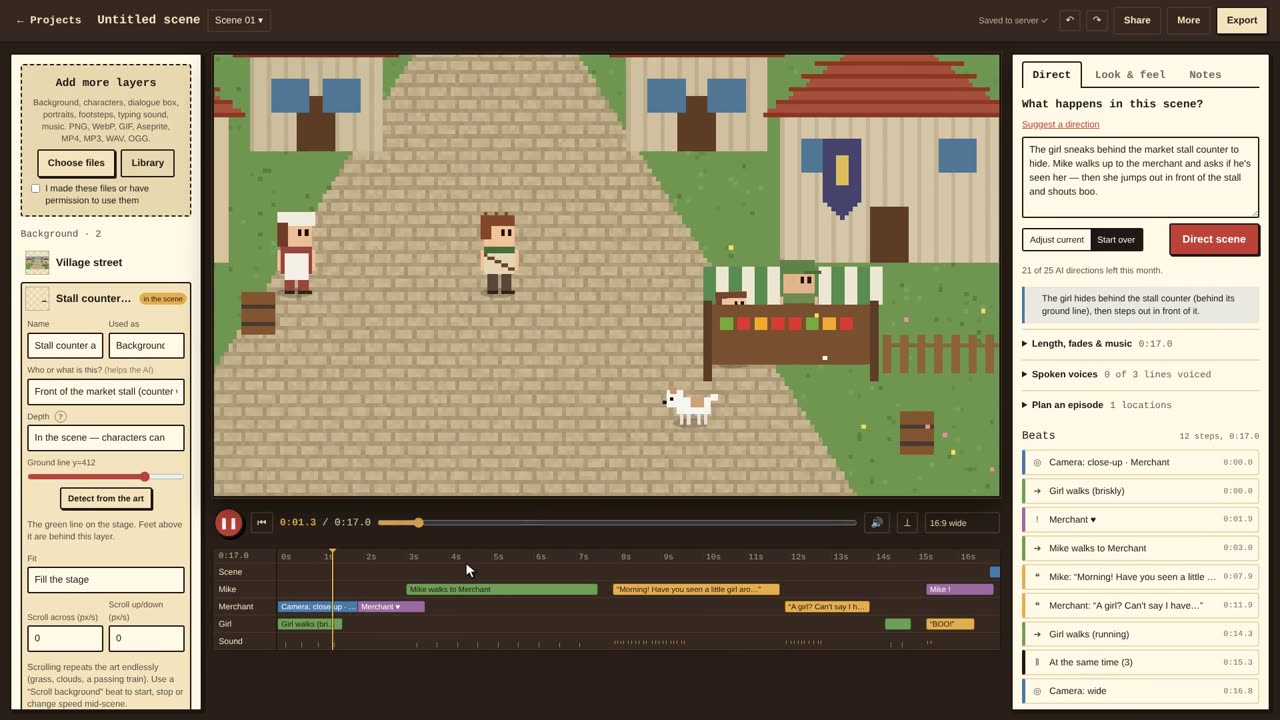
Every beat is a card you can edit, move or delete, with undo. Then export an MP4, or a cutscene package for Godot or Unity.
Everything a pixel scene needs
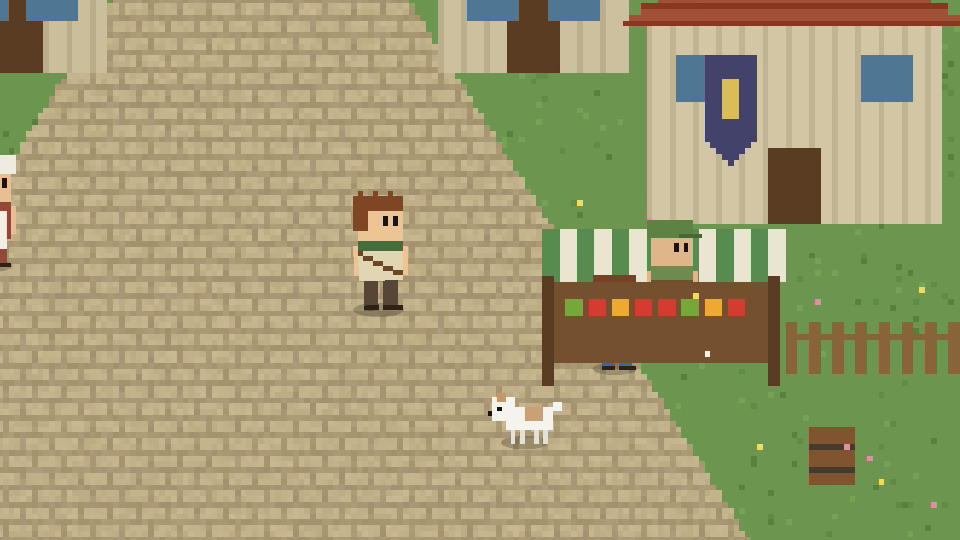
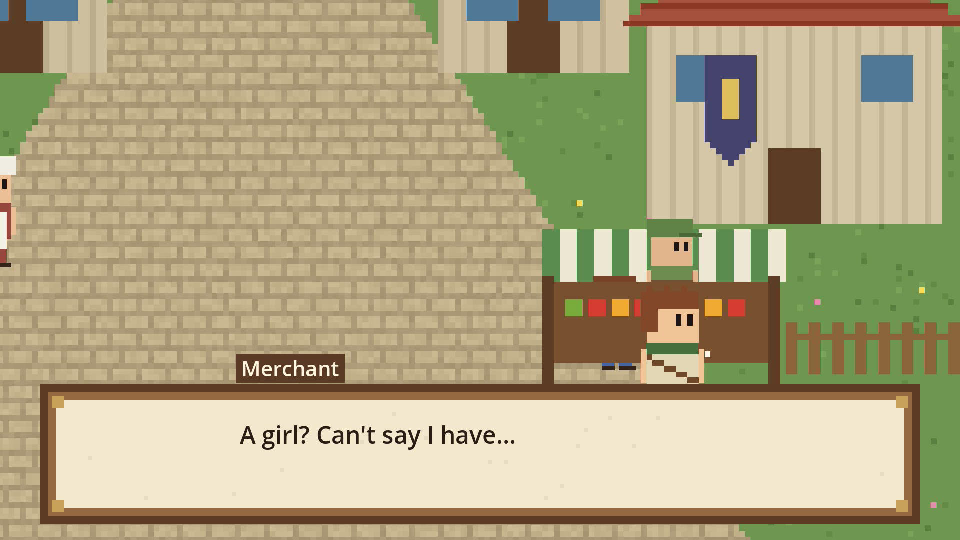
Characters walk behind scenery
Cut-outs like counters, fences and bushes stand in the scene. Whoever is behind them is hidden, and the AI Director knows where someone can hide or peek over. How it works
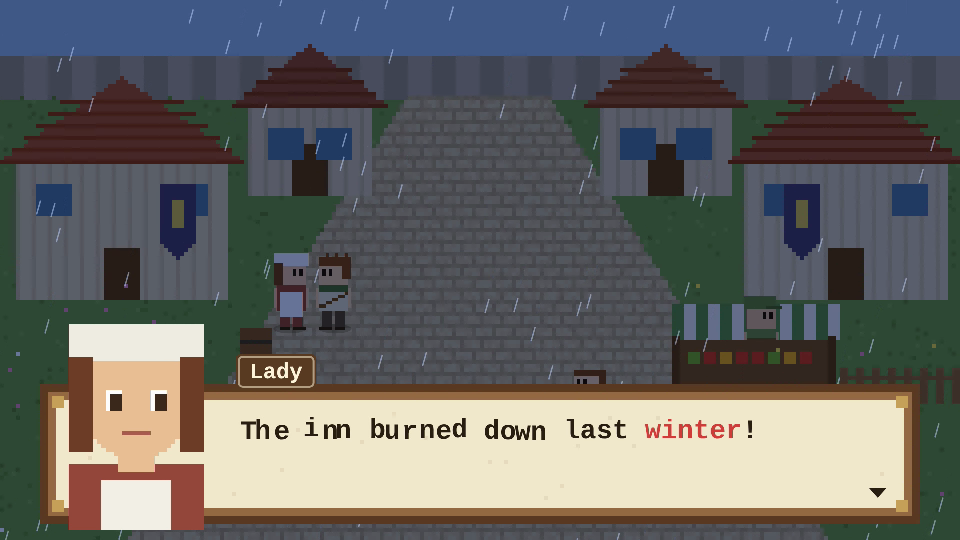
Dialogue with personality
Portraits that blink and change expression, thoughts, shouts and narration, and words that shake, wave or change colour. How it works
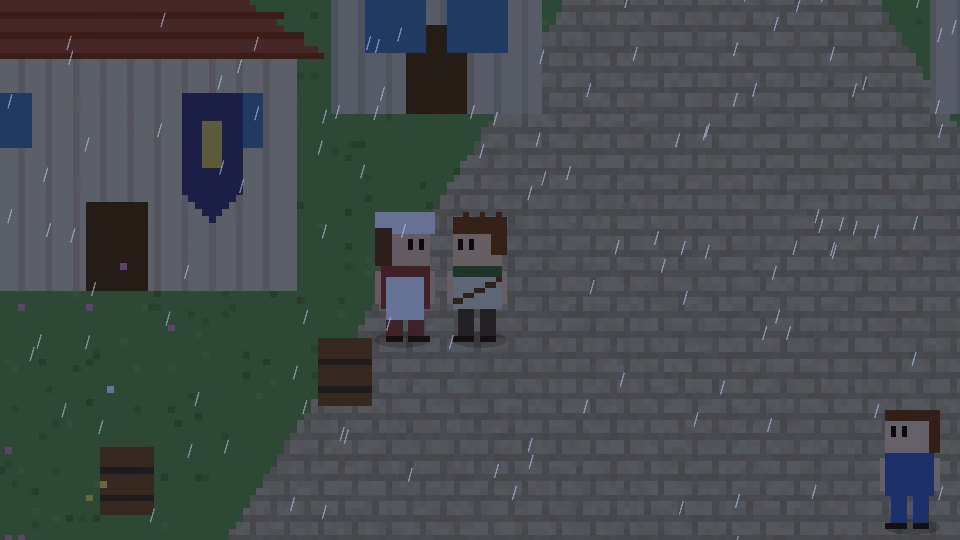
A camera that follows the story
Close-ups, two-shots, follow shots and reveals, plus weather, light, parallax and haze for mood. How it works
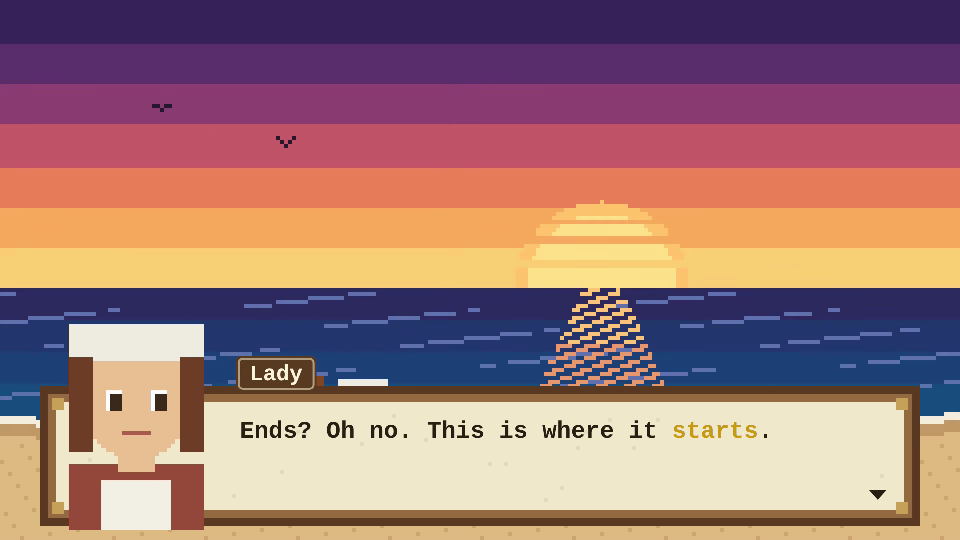
Moving backgrounds
Drop in an MP4 or WebM loop — rain on a window, a river, a sunset — and it plays in step with your scene. How it works
Cutscenes for your game
Export a ready-to-play cutscene for Godot 4 or Unity: art, sound, dialogue, camera and depth, frame for frame. How it works
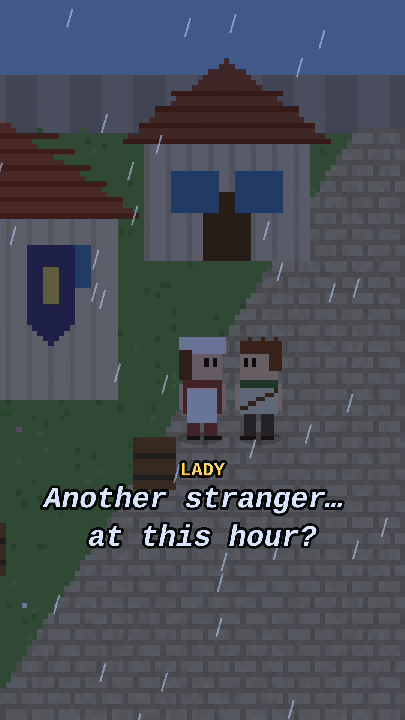
Wide, vertical or square
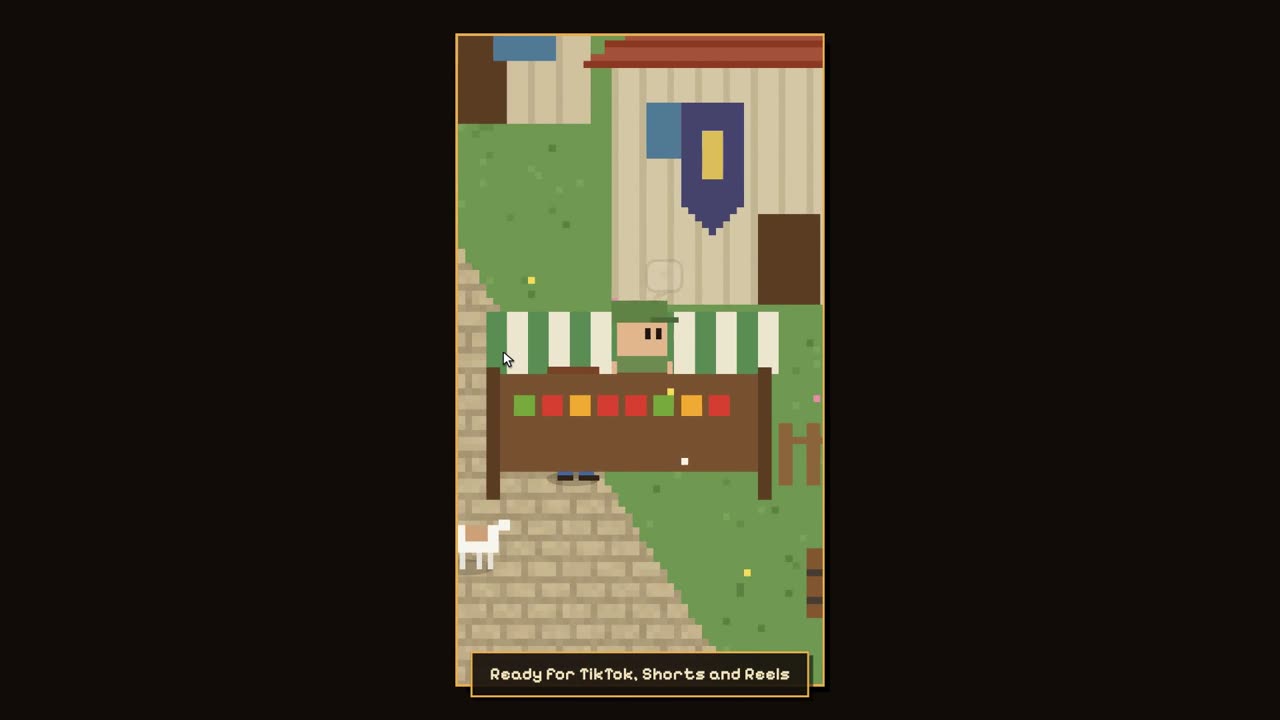
One scene, every shape: 16:9 for YouTube, 9:16 for TikTok, Shorts and Reels, 1:1 for feeds. Vertical framing follows whoever matters right now. How it works
See how far your pixel creations can go
One minute: a scene described in plain words, directed, edited and exported — then hidden characters, rainy nights, a moving sunset, a vertical cut and the same cutscene playing in Godot.
The fiddly parts are handled
The AI decides who does what and writes the lines. A deterministic engine does the timing math, so the result is the same on every play, in the exported video and in your game engine.
- Distance
- Characters shrink up the street and grow as they walk toward the camera, and they slow down in the distance so it reads as real space.
- Footsteps
- Each step lands on the walk cycle, a little quieter far away and panned to where the character is.
- Dialogue
- Your box art, the speaker’s name and portrait, text that types itself out with blips, and time left to read it.
- Blocking
- Walk to someone and you stop beside them, not on top of them, and the two turn to face each other when they talk.
- Sound
- Background music fades in with the picture, dips under dialogue and fades out with the ending.
- Running time
- Ask for about two minutes and the pacing stretches to fit. Same script, same result, every time you press play.
Made for
Game developers
Prototype cutscenes in minutes, then drop them into Godot or Unity. Change a line and export again.
Storytellers and comic artists
Turn your characters into animated episodes with narration, scenes and transitions.
Short-video creators
Vertical video that follows the action, with big captions and a subtitles file for every platform.
Learn it in a few minutes
Free to direct. $29 to own.
The whole Studio is free, with 25 AI directions a month. Pro is a single payment — no subscription — for 1080p exports without a watermark and game-engine cutscenes.